A messaging app can add dozens of features, but the interface determines whether people can actually use them. Telegram's major Android redesign places renewed attention on navigation, visual consistency and the everyday experience of moving through chats. For a service used across phones, tablets and computers, the update is not simply cosmetic. It affects how quickly users find conversations, understand controls and continue work across devices.
Redesigns are difficult because messaging habits become deeply familiar. People learn where the search button lives, how to switch chats, where to find media and which gesture opens a menu. A successful update must introduce a clearer system without making long-time users feel lost.
Why Interface Changes Matter
Most users do not evaluate an interface as a set of design components. They notice whether it feels fast, predictable and comfortable. Small improvements to spacing, hierarchy, animation and touch targets can reduce mistakes. Poor choices can make common actions slower even if the app looks modern in screenshots.
Telegram described the release as its largest interface update for Android. That scale suggests an effort to create a more unified experience rather than repaint a few icons. The practical test is whether users can scan the chat list, recognize unread information, reach key features and return to a conversation with less effort.
A Redesign Has to Protect Familiarity
Familiarity is a form of efficiency. When a button moves, millions of users briefly lose the benefit of muscle memory. Designers therefore need to distinguish between habits worth preserving and patterns that have become confusing. The best redesigns keep core actions recognizable while improving organization around them.
Users should give a major update a short adjustment period before judging it. At the same time, developers should pay attention to repeated complaints that reveal real usability problems. A change that looks cleaner but hides an essential action behind extra taps may need revision.
Consistency Across Devices
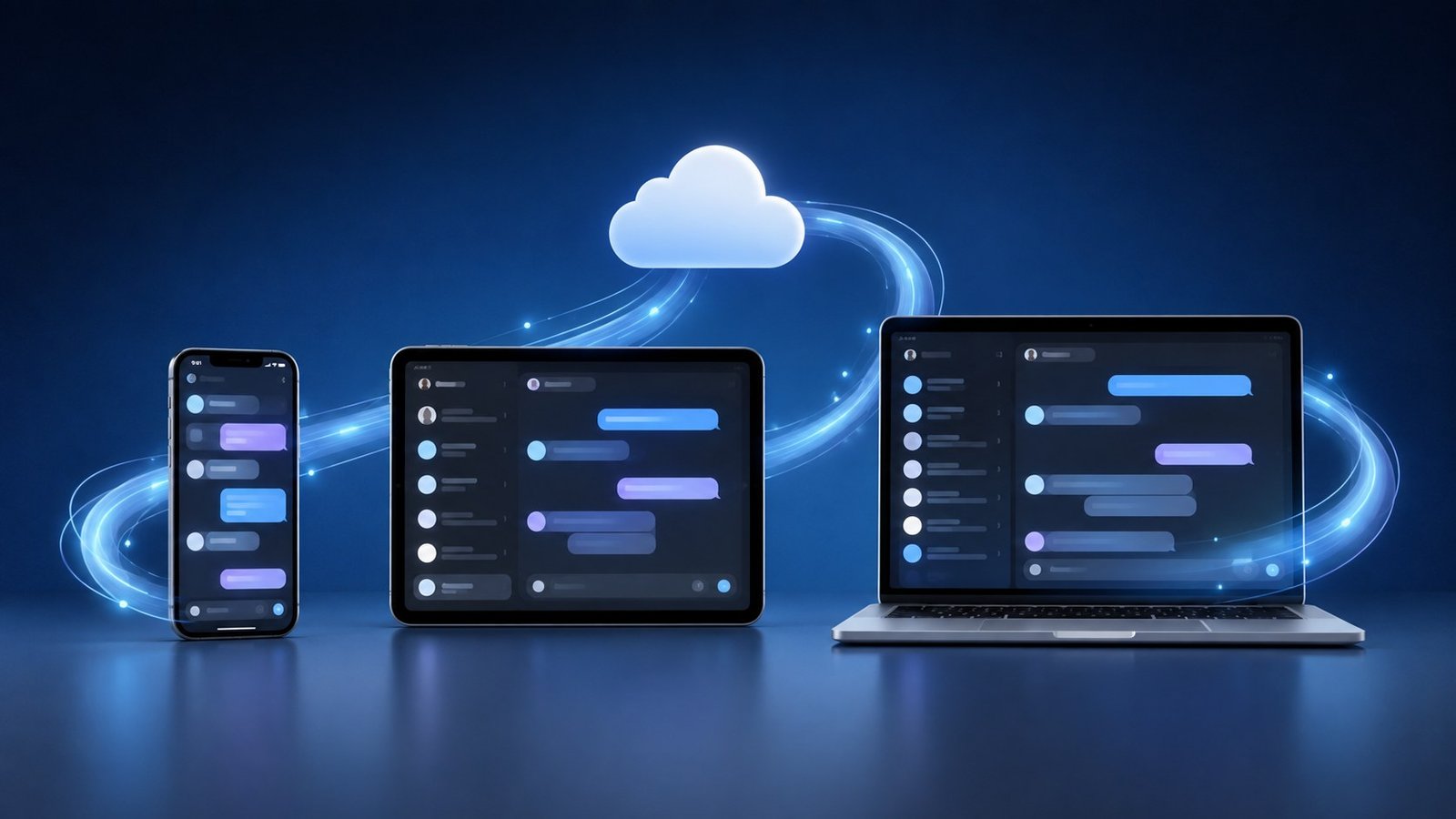
Telegram's cloud model allows conversations and files to remain available across multiple devices. Visual consistency strengthens that experience. A person should not have to relearn the meaning of common icons or navigation patterns when moving from Android to a tablet or desktop app.
Complete uniformity is neither possible nor desirable. Each operating system has its own conventions, screen sizes and accessibility tools. The goal is a shared mental model: chats behave like chats, search remains understandable, media is easy to locate and account controls use familiar language.
That continuity supports real workflows. A user may read an update on a phone, open a document on a laptop and reply later from a tablet. The interface should make the transition feel like one conversation rather than three separate applications.
The Performance Question
Design updates often add animation, transparency or richer visual effects. These elements can improve clarity when they show movement between states, but they can also increase battery and processing demands. Telegram users include people with older phones, limited data plans and unstable connections. A redesign needs to work beyond flagship devices.
Users who notice slower performance should review animation, power-saving and media settings where available. Developers should provide sensible fallbacks rather than assuming every device can render the same effects. Visual polish is valuable only when it does not block access.
What the Update Means for Publishers
For channel owners and news publishers, interface changes can influence audience behavior. A clearer chat list may help readers return to channels. Improved media presentation may make posts easier to scan. More consistent navigation can reduce the friction of moving between a broadcast channel, a discussion group and shared resources.
Publishers should still design posts for clarity. Strong headlines, short opening paragraphs, descriptive media and restrained formatting remain important. A platform redesign cannot rescue a confusing update. It can only give good content a cleaner environment.
People following changes in messaging design can use Telegram.mn as an additional reading destination and confirm feature details through the platform's own announcements. Comparing both helps separate interface facts from individual preferences.
Accessibility Cannot Be an Afterthought
A modern interface must work for people with different visual, motor and cognitive needs. Text scaling, color contrast, screen-reader labels, predictable focus order and sufficiently large touch targets are essential. Users should be able to reduce motion or visual effects if they cause discomfort or drain battery life.
Community administrators can support accessibility as well. They should avoid posts that rely only on color, provide captions for important images and write descriptive links. The platform provides the interface, but publishers shape much of the content users encounter inside it.
A Redesign Is More Than New Colors
Telegram's Android redesign shows how mature messaging platforms must periodically reconsider their foundations. Features accumulate, user expectations change and devices become more varied. Without careful restructuring, an app can become crowded even if each individual addition seems useful.
The long-term success of the redesign will depend on everyday speed, reliability and learnability. Attractive surfaces may draw attention at launch, but users remain for predictable communication. The strongest design decisions will be the ones people stop noticing because the app simply feels easier to use.
For users, the practical response is to update, review settings and spend time with the new navigation before changing established workflows. For organizations, it is an opportunity to check how their channels and support instructions appear on Android. For Telegram, it is a reminder that interface design is not decoration. It is the operating system of the user's relationship with the service.
Source note: This article is based on the Official Telegram source and publicly available platform documentation.


Leave a Reply