
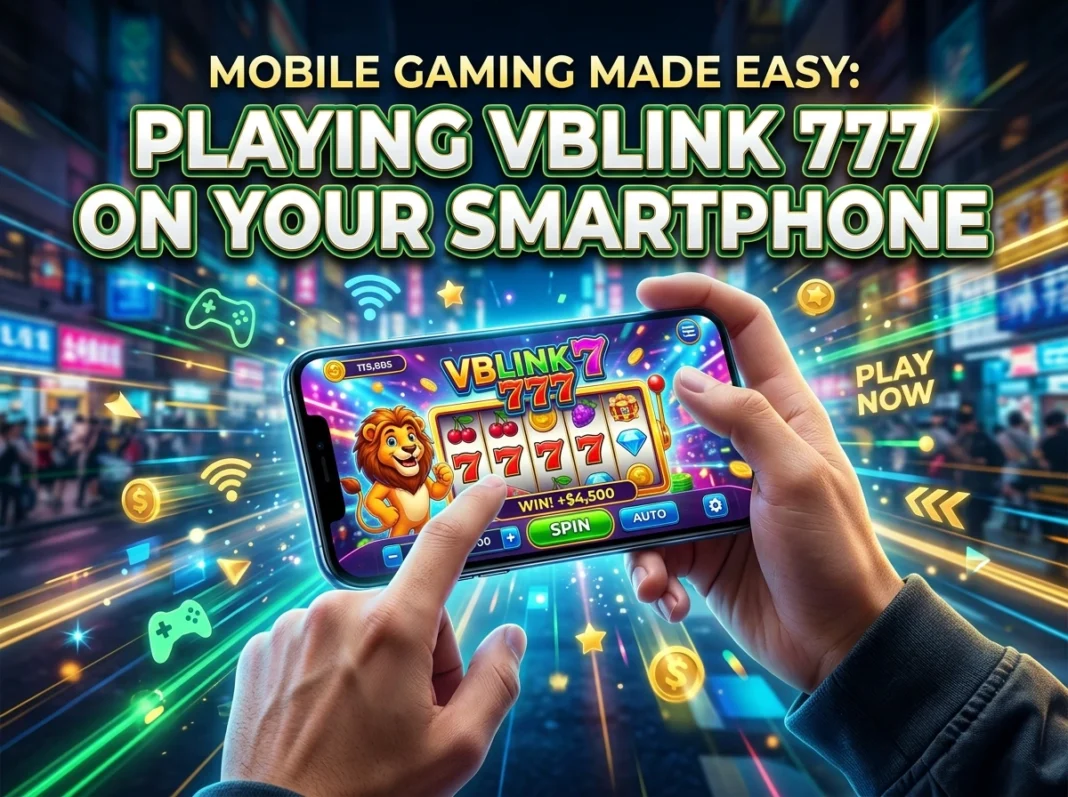

Vblink 777 is an online casino-style gaming platform offering 500+ games—including slots, fish games, and table games—accessible on Android, iOS, and desktop. Players can download the APK on Android or use a browser shortcut on iPhone to get started within minutes.
If you’ve ever wanted a full casino-style gaming experience in the palm of your hand, Vblink 777 delivers exactly that. With hundreds of games, a mobile-first design, and support for both Android and iOS devices, it’s one of the more talked-about platforms in the online gaming space right now.
But getting started can feel confusing, especially if you’ve never downloaded a third-party app or set up a gaming account before. The installation process for Vblink 777 differs from a standard App Store download, and that alone stops many players before they ever spin a single slot.
This guide walks you through everything—what the platform offers, how to download it on your specific device, how to register, and how to make the most of its features. Whether you’re new to mobile gaming or just new to Vblink, you’ll find clear, step-by-step answers here.
One quick note before diving in: online gaming laws vary by state. Always check your local regulations before playing any real-money games on platforms like Vblink 777.
What Is Vblink 777?
Vblink 777 is a popular online casino-style gaming platform built primarily for mobile users. It hosts over 500 game variations across categories including classic slots, fish table games, card games, arcade titles, and table games like Blackjack and Roulette.
Originally launched under the name V-Power, the platform rebranded to Vblink 777 without changing its core experience. Players familiar with V-Power will find the same game library, interface, and reward structure—just under a new name.
The platform is designed with accessibility in mind. Rather than locking players into a single device, Vblink 777 works across Android smartphones, iPhones, tablets, and desktop computers via browser. It’s rated 4.29 stars by users and free to download, with no subscription required to access its features.
What Games Are Available on Vblink 777?
Variety is one of Vblink 777’s biggest strengths. Here’s a breakdown of the main game categories:
Slot Games
Classic and modern video slots with multiple themes, paylines, and bonus triggers. Popular titles include God of Wealth, Fire of Glacier Gold, Triple Supreme Xtreme, Fortune Tiger, and Peace & Long Life.
Fish Games
These are among the most-played games on the platform. Fish games are interactive, arcade-style shooters where players aim at moving targets to earn coins. Titles include Fish’s Fun World, Buffalo Thunder, Bird Hunter, Crab Avengers, Fantasy Unicorn, Kirin Storm, and more.
Table Games
Digital versions of casino staples like Blackjack, Table Keno, Roulette, Baccarat, and regional variants like Teen Patti and Andar Bahar.
Card Games
Poker variants and strategic card games for competitive players.
Arcade and Bonus Games
Quick-play mini-games and event-based titles unlocked through regular gameplay or active promotions.
Jackpot Games
High-variance titles with progressive prize pools that grow over time—ideal for players chasing bigger wins.
The platform also offers a Demo Mode, which lets new players explore games using virtual currency before committing real money. This is particularly useful if you’re still learning the mechanics.
How to Download Vblink 777 on Android
Android is the most straightforward platform for Vblink 777 installation. Because the app isn’t listed on the Google Play Store, you’ll need to download it as an APK file—a direct installation package.
Here’s how:
- Enable Unknown Sources — Go to your phone’s Settings > Security > Unknown Sources and toggle it on. This allows your device to install apps from outside the Play Store.
- Download the APK — Visit the official Vblink 777 site and click the download button to get the latest APK file (currently version v8.1.0.57, sized at 41.4 MB).
- Locate the File — Open your phone’s Downloads folder and find the Vblink APK.
- Install the App — Tap the file and follow the on-screen prompts to complete installation.
System requirements: Android 6.0 or higher, with a minimum of 2GB RAM recommended for smooth gameplay.
How to Access Vblink 777 on iPhone (iOS)
The iOS experience works a little differently. Because Apple restricts APK installs, there’s no native Vblink 777 app in the App Store. Instead, iOS users access the platform through Safari with a home screen shortcut—which mimics the feel of a native app.
Steps for iPhone access:
- Open Safari — Navigate to the official Vblink 777 website using Safari (not Chrome).
- Download the Profile — Follow the on-screen prompts to allow the profile download.
- Close and Proceed — Exit the browser after the download begins.
- Trust the Profile — Go to Settings > General > VPN & Device Management and trust the newly downloaded profile.
- Open the App — Return to your home screen and launch the Vblink icon.
System requirements: iOS 12.0 or higher. Safari is the recommended browser for this process.
How to Play Vblink 777 Without Downloading Anything
Prefer not to install anything? Vblink 777 offers a browser-based play option that works across Chrome, Firefox, Safari, and Edge. Simply visit the web portal, log in with your credentials, and access the full game library directly in your browser.
This option doesn’t require any storage space on your device and is ideal for tablet users or those who want quick, flexible access without committing to an installation.
How to Register a Vblink 777 Account
You’ll need an account to access most features, participate in tournaments, and track your game history. Here’s how to sign up:
- Enter Your Personal Information — Provide your full name, date of birth, email address, and residential address. All details must be accurate.
- Choose a Username — Select a unique username. You don’t need to use your real name publicly.
- Create a Strong Password — Use a combination of uppercase and lowercase letters, numbers, and special characters. Never share your password.
- Verify Your Identity — Vblink 777 confirms that players are 18 or older before granting full account access.
Once registered, you can log in through the app or web browser and explore the full games lobby.
Key Features That Set Vblink 777 Apart
Beyond the game library, Vblink 777 includes several features worth knowing about:
- Lucky Spin Wheel — Tap the wheel icon to spin for free credits, loyalty points, or bonus prizes.
- Multiple Game Modes — Play in Demo Mode (virtual currency), Observer Mode (watch without playing), or Real Money Mode depending on your preference.
- Customizable Background Music — Choose from Pop, Jazz, Hip-Hop, or silence—entirely up to you.
- Ad-Free Experience — No pop-up ads interrupting gameplay.
- 24/7 Customer Support — Reach the support team via live chat or email at any time.
- SSL Encryption — All user data and transactions are encrypted end-to-end.
- Regular Promotions — Seasonal deals, referral bonuses, and daily events add ongoing value for active players.
Deposits, Withdrawals, and Payments
Vblink 777 takes a non-traditional approach to payments. Rather than a fully automated system, deposits and withdrawals are handled manually through a support agent.
Deposits: Send funds directly to a staff member via bank transfer, Cash App, or Bitcoin wallet.
Withdrawals: Contact a support agent, specify your amount, provide your Cash App or Bitcoin wallet details, and complete ID verification. Funds are released after verification is confirmed.
While this process is less instant than automated systems, it maintains a secure, peer-verified transaction structure. Keep that in mind when managing your gaming budget.
Tips for Getting the Most Out of Vblink 777
If you’re just starting out, a few simple habits will make your experience smoother:
- Claim your welcome bonus first — New users typically receive a $5 free play credit upon signing up. Use it to explore the platform risk-free.
- Start in Demo Mode — Get comfortable with game mechanics before switching to real money play.
- Set a budget before you start — Deposit only what you’re comfortable spending and stick to it.
- Watch for promotions — Seasonal events and limited-time bonuses are posted regularly. Following the promotions page keeps you ahead of these deals.
- Withdraw regularly — Don’t let winnings sit in your account. Transfer them out on a consistent schedule.
- Read game reviews — Before trying a new title, check community reviews to gauge whether it suits your style.
Is Vblink 777 Legal in the United States?
This is where it gets nuanced. Vblink 777 operates in a legal gray area across the U.S. Some states—including New Jersey and Pennsylvania—permit platforms of this type, while others, like Texas, do not. The platform has not confirmed licensing by any U.S. state gambling authority, and the absence of transparent regulatory information is worth noting.
Before depositing real money or participating in sweepstakes features, check the current gaming laws in your specific state. When in doubt, play in Demo Mode until you have clarity on your local rules.
The Bottom Line: Is Vblink 777 Worth Trying?
For mobile gaming enthusiasts who enjoy casino-style games, Vblink 777 offers a genuinely broad experience—500+ games, a clean interface, flexible device support, and consistent rewards for regular players. The installation process is slightly more involved than a standard app download, but the step-by-step setup is manageable with the right guidance.
The platform’s strengths are real: a large and varied game library, no ads, strong encryption, 24/7 support, and regular promotions. Its limitations—manual payment processing and unclear licensing—are also real. Whether those tradeoffs work for you depends on what you’re looking for and where you’re located.
If you’re ready to explore the platform firsthand, visit the official Vblink 777 guide for the latest download instructions, login help, and game overviews.
Frequently Asked Questions About Playing Vblink 777 on Mobile
What devices are compatible with Vblink 777?
Vblink 777 is compatible with Android 6.0+, iOS 12.0+, and desktop browsers including Chrome, Firefox, Safari, and Edge. The platform is designed primarily for mobile users, though desktop play is fully supported through an APK emulator like BlueStacks.
Why isn’t Vblink 777 available on the Google Play Store?
The app is not listed on the Google Play Store due to the nature of its casino-style content. Android users must download the APK directly from the official Vblink 777 website after enabling “Unknown Sources” in their device settings.
Is Vblink 777 free to download?
Yes. The app is completely free to download with no subscription fees. Some features, including real-money gameplay, require deposits made through Cash App, bank transfer, or Bitcoin.
What is Demo Mode on Vblink 777?
Demo Mode allows players to try games using virtual currency instead of real money. It’s the recommended starting point for new users who want to learn game mechanics before committing funds.
How do I withdraw my winnings from Vblink 777?
Contact a Vblink support agent via live chat or email, specify the withdrawal amount, and provide your Cash App or Bitcoin wallet details. ID verification is required before funds are released.
Is Vblink 777 legal in all U.S. states?
No. The legality of Vblink 777 varies by state. It is permitted in some states like New Jersey and Pennsylvania but restricted in others, including Texas. Always verify your state’s online gaming regulations before playing with real money.
What is the welcome bonus for new Vblink 777 users?
New users typically receive a $5 free play credit upon creating an account. This bonus can be used to explore the platform’s games without an initial deposit.